


 Guide Categories
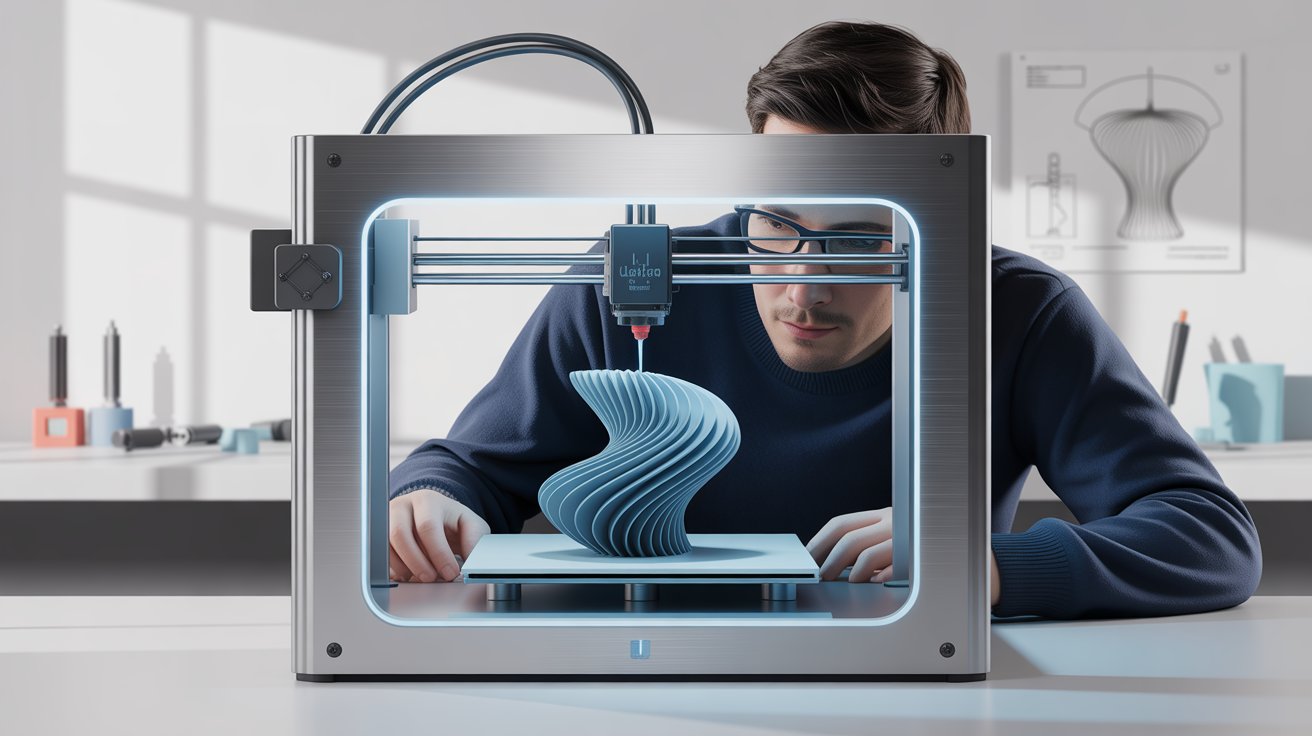
3D scanning captures the shape of a real object and turns it into digital data. 3D printing turns digital data back into a real object. Together they allow you to reproduce, modify, restore, or customize physical items without having to model them from nothing.
The process is not as simple as a photocopier, though. A raw scan usually needs cleanup, and an accurate engineering part may need to be rebuilt in CAD.
What Is 3D Scanning?
A 3D scanner measures many points on an object's surface. These points form a point cloud, which software converts into a mesh made of small triangles. That mesh can be cleaned up, exported, and sent to a slicer.
Main Types of 3D Scanning
| Method | How it captures shape | Often suited to | Limitations |
|---|---|---|---|
| Structured light | Projects a pattern and reads its distortion | Small and medium objects | Shiny or dark surfaces can be difficult |
| Laser scanning | Measures a projected laser line or point | Industrial parts and larger objects | Equipment can be costly |
| Photogrammetry | Calculates shape from many photographs | Large objects and visual models | Usually needs more cleanup and scaling |
| Depth sensor | Uses a depth camera | Quick, rough captures | Lower detail |
Manufacturer accuracy figures can be useful, but they are measured under specific conditions. Accuracy and resolution are different things: accuracy is how close a measurement is to the real dimension, while resolution is how finely the surface is sampled.
The Scan-to-Print Workflow
- Prepare the object. Clean it and, where appropriate, use a temporary matte scanning spray on shiny, transparent, or very dark surfaces.
- Calibrate the scanner. Follow the manufacturer's procedure.
- Capture every side. Scan from multiple angles, with enough overlap for alignment.
- Align and merge. Software combines the scans into one model.
- Create a watertight mesh. Fill holes and remove stray fragments, as slicers need a closed shape.
- Reduce the file size. Very dense meshes can be slow or unstable in a slicer.
- Check the scale. Measure known features and compare them with the digital model.
- Export and slice. Export STL or 3MF, then prepare it using 3D printing software.
- Print a test. Check the fit before printing the final version.
Why Scans Need Repair
Common problems include holes in hard-to-see areas, bumpy surfaces, floating debris, and inverted faces. Scanning software and mesh tools can repair many problems automatically, but automatic repair may change the real geometry, so inspect important areas yourself.
Scan-to-Print vs Scan-to-CAD
| Approach | Output | Use it when |
|---|---|---|
| Scan-to-print | A cleaned mesh | Copying organic forms, sculptures, and visual objects |
| Scan-to-CAD | An editable solid CAD model | Reverse engineering mechanical parts |
A mesh is good at capturing shape but is awkward to edit. If you need perfectly round holes, flat mating faces, or precise threads, use the scan as a reference and rebuild the part in CAD. Measuring critical dimensions with calipers remains valuable.
Professional Note
A worn part scans as a worn part. When replacing a broken or used component, restore the original design intent in CAD rather than copying damage, wear, and scan noise.
Common Uses
- Replacement parts: recreating discontinued components.
- Custom-fit products: designing around a real shape, such as a tool or a device.
- Medical and dental workflows: digitally capturing anatomy under professional supervision.
- Art and heritage: recording and reproducing objects.
- Product development: comparing a printed part against its original design.
How to Choose a 3D Scanner
- Object size: match the scanner's working range to your typical subject.
- Detail requirement: decorative models and precision parts have very different needs.
- Surface type: consider dark, glossy, and transparent objects.
- Software: a good scanner still needs capable processing software.
- Frequency of use: for occasional work, a scanning service may be more sensible than buying equipment.
Legal Considerations
The ability to scan an object does not give you the right to copy it. Products can be protected by copyright, design rights, patents, or trademarks. Check the position before selling reproductions, as we explain in how to make money with 3D printing.
Frequently Asked Questions
Can a phone be used for 3D scanning?
Yes, using photogrammetry or depth-sensing apps. It can work for visual objects, but it is generally not suitable for accurate mechanical parts.
What file format do I need?
STL and 3MF are common for printing. Keep an original high-quality copy of the scan before simplifying it.
Can I print a 3D scan straight away?
Occasionally, but most scans need cleanup first. The mesh must be closed, correctly scaled, and suitable for your printer.